

Divi Forms Conversion Tracking
Track every Divi Contact Form and Email Optin submission with complete ad attribution. LeadTrackr's WordPress plugin auto-detects your Divi forms and captures leads with the campaign, keyword, and source that drove each visit — no code required.

What it does
What Is Divi Forms Conversion Tracking?
Divi forms conversion tracking is the process of capturing submissions made through Divi's built-in form modules — the Contact Form and the Email Optin — and connecting each one to the advertising campaign that generated the visit. Divi is one of the most popular WordPress themes and visual builders, used by agencies and businesses to design pages without code, and its form modules let you collect leads directly inside any Divi layout.
Divi handles the submission, but it does not track which ad campaign, keyword, or source produced each lead, nor report conversions back to ad platforms. LeadTrackr adds that missing attribution layer by automatically detecting your Divi forms, capturing every submission with full source data including GCLID, fbclid, and UTM parameters, and enabling you to push qualified lead events to Google Ads, Meta, and GA4 without touching your Divi layout.
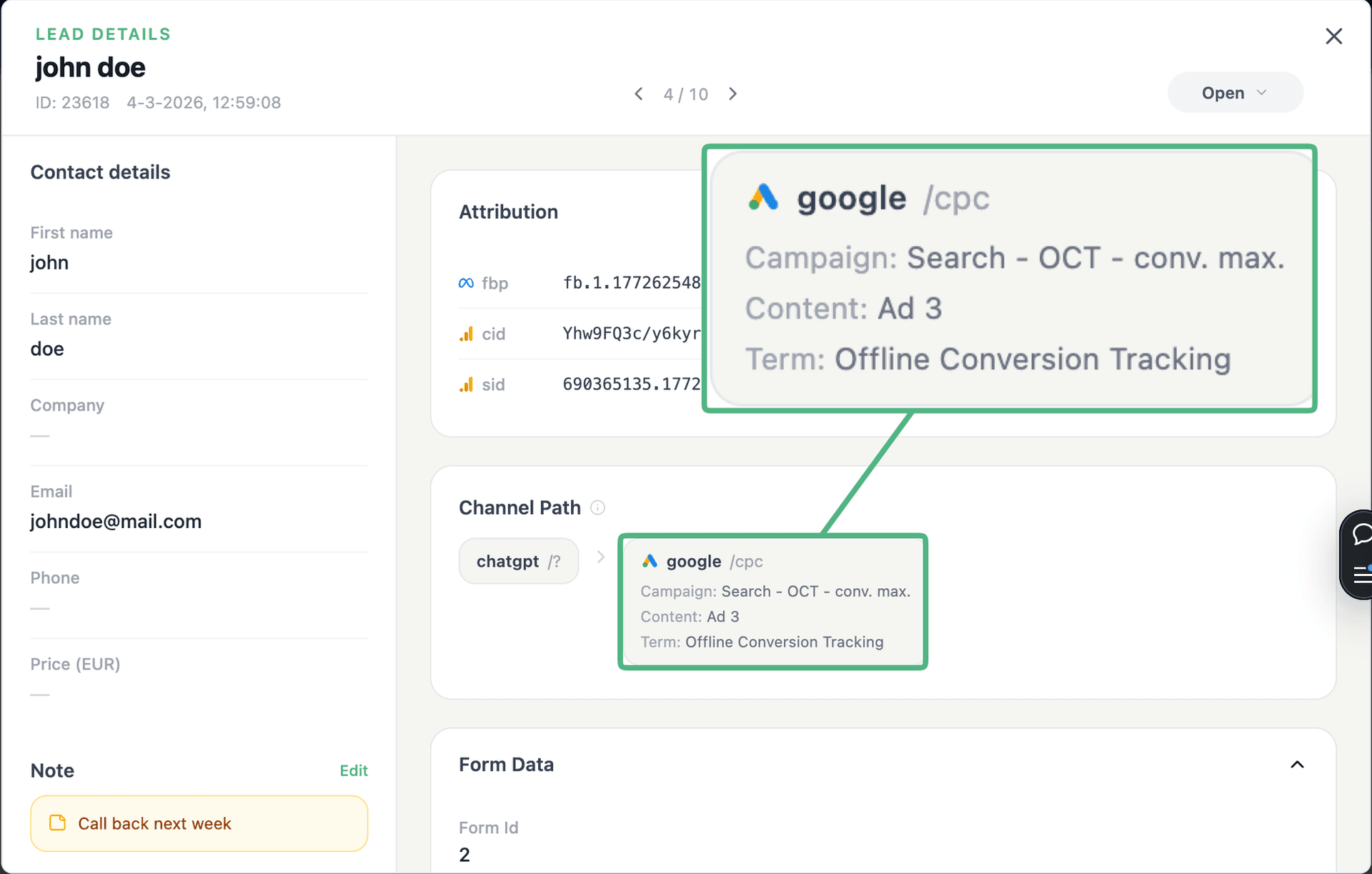
See the full customer journey of every form lead
The moment a form is submitted, LeadTrackr captures the lead with full attribution — the campaign, ad, keyword and landing page behind it. Qualify it with one click and follow the whole path, from the first ad click to the closed deal.
- Every lead tied to its campaign, ad & keyword
- One-click qualification, synced back to your ad platforms
- The full path from form fill to closed deal
Plug & play
Send leads from any source
Post leads from any system, form or backend — full flexibility, full attribution.






How it works
Setup in 4 Steps
Install the Plugin
Select Divi Forms
Map Form Fields
Start Tracking
Get started free
Start tracking real conversions with Divi
Connect it in minutes — no developer needed.
5-min setup · cancel anytime
Integrations
Related integrations






FAQ
Frequently asked questions
Get started free
Connect Divi with LeadTrackr
Set up Divi in minutes — no developer needed.
5-min setup · cancel anytime