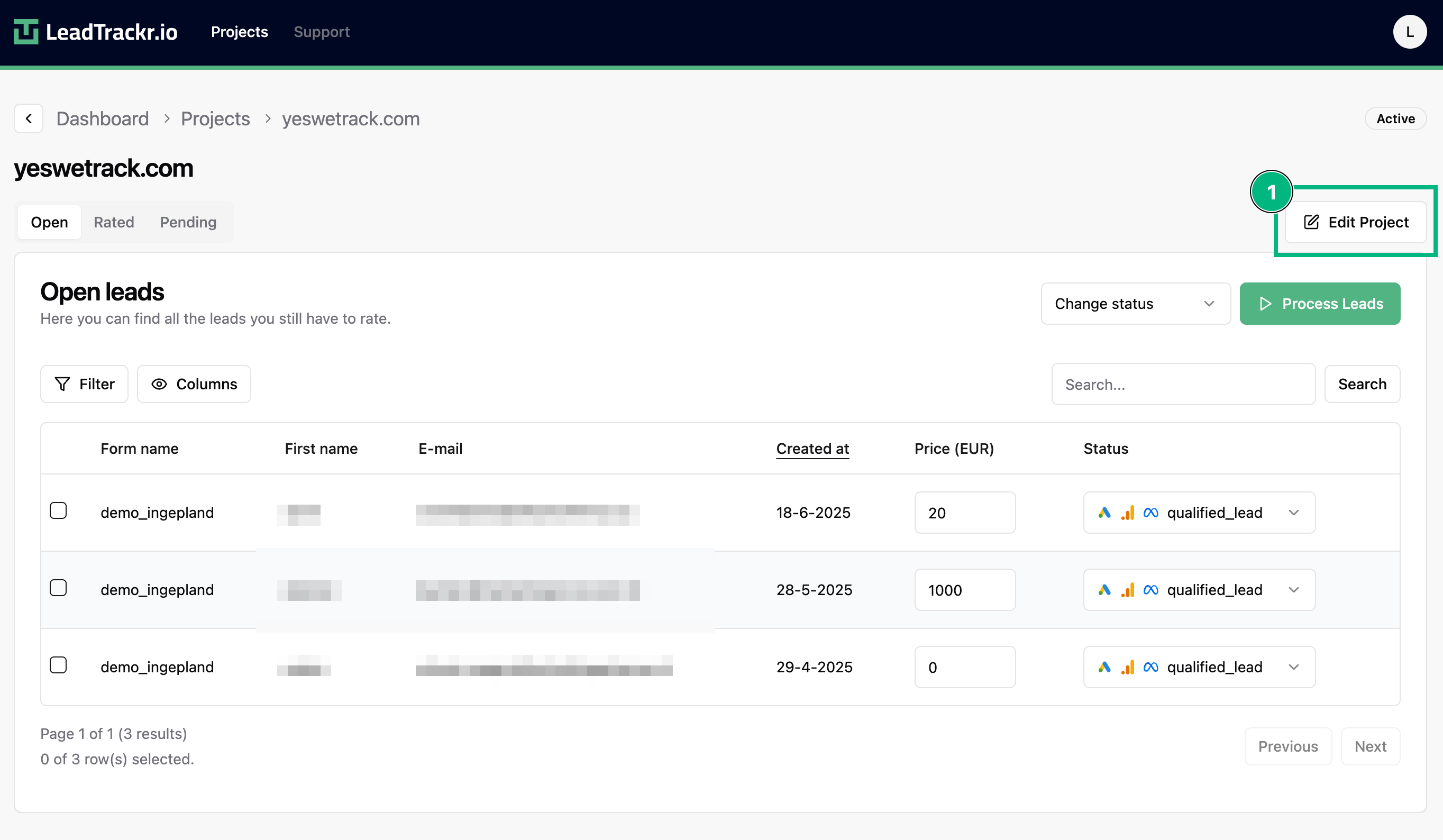
Step 1: Open the Project Settings
- Go to the project where you want to access the billing information.
- Click Edit Project in the top-right corner.
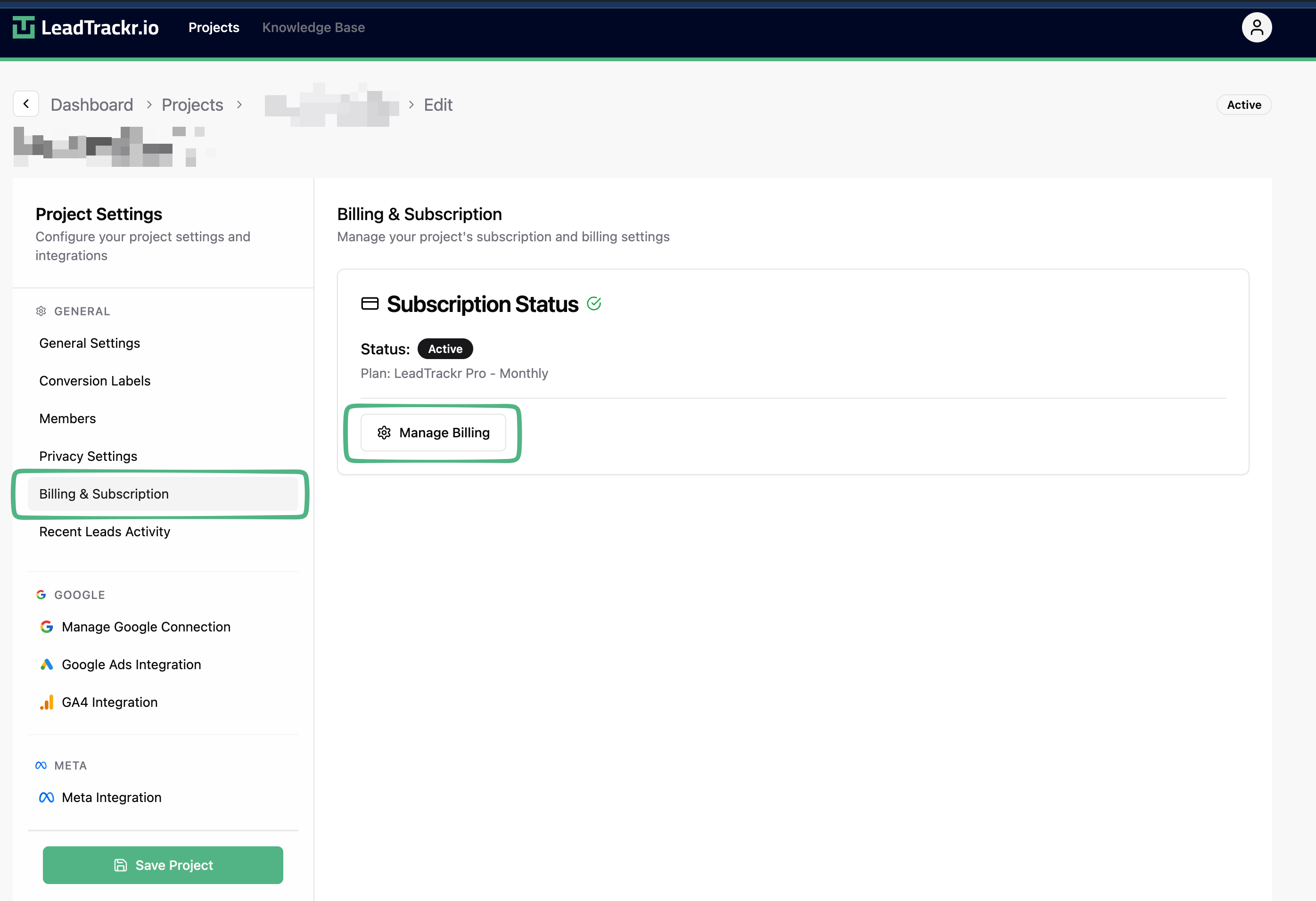
Step 2: Go to Subscription & Billing
- In the sidebar, navigate to Subscription.
- Click Manage Billing.
- You will be redirected to the billing portal.
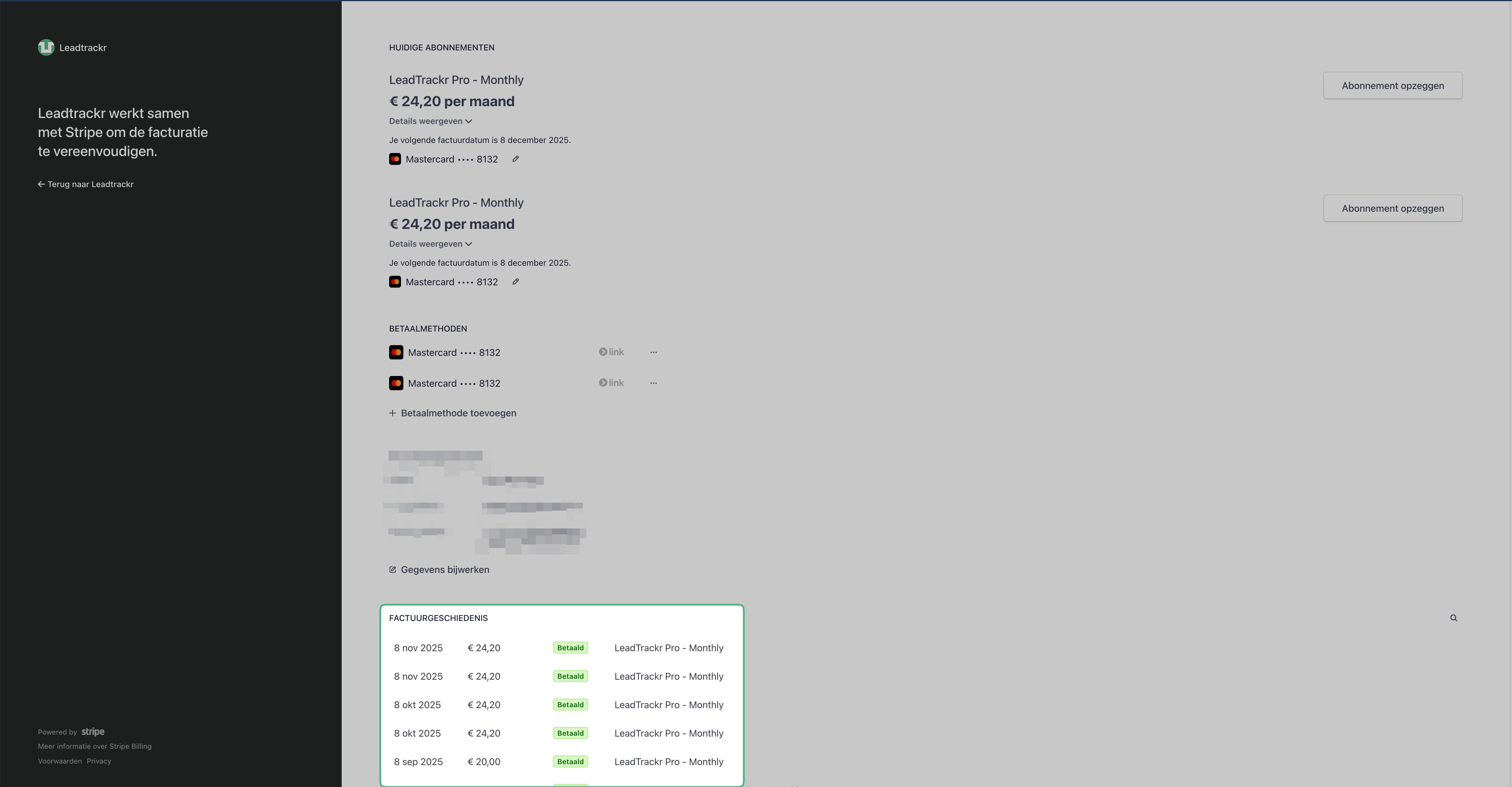
Step 3: View and Download Your Invoices
Inside the billing portal, you’ll find all invoices under Invoice History. Here you can:- View invoices
- Download PDFs
- Check payment status