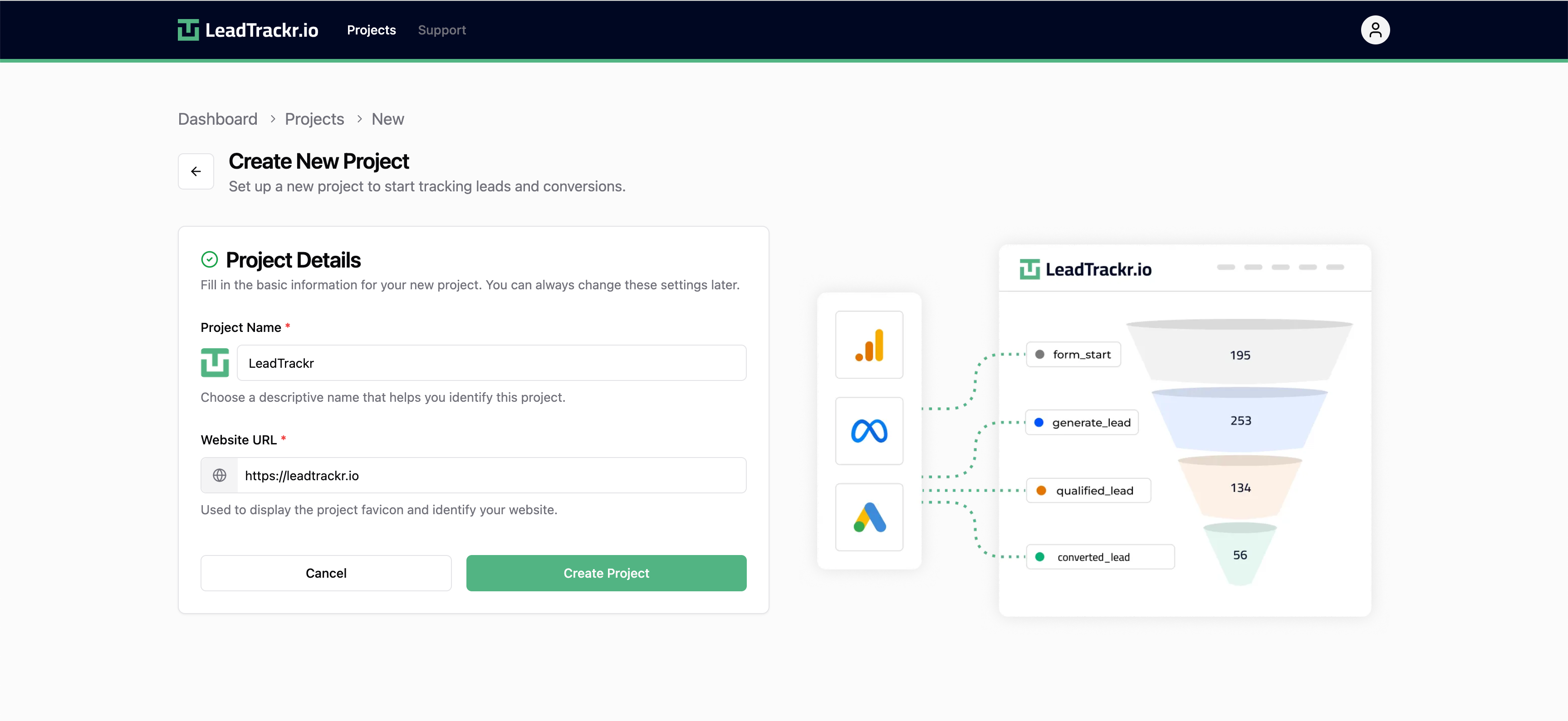
Step 1: Log in or Sign up
Go to app.leadtrackr.io/login.- If you already have an account, you can log in directly.
- If you’re new to LeadTrackr, just enter your email — your account will be created automatically.
Step 2: Create a New Project
If you’re logging in for the first time, you’ll automatically be taken to the Create New Project screen. If you already have access to one or more projects, click Create New Project from the project overview page.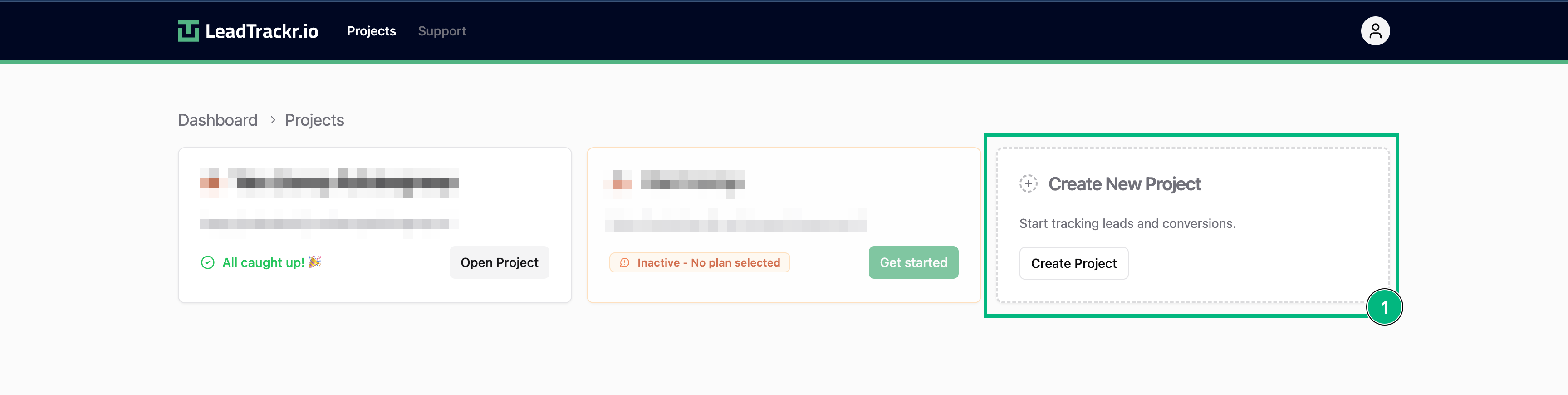
Step 3: Fill in Project Details
Enter the following information:- Project name (e.g. the company or client name)
- Website URL for this project