

Send leads from any source via API
Post leads to the LeadTrackr REST API from any system, form or backend — full flexibility, full attribution, no plugin required.
What it does
What is the LeadTrackr API?
The LeadTrackr API is a simple REST endpoint you POST leads to from any source — a custom form, a backend service, a mobile app or a data warehouse. Each lead arrives with its full attribution attached: the click IDs (GCLID, fbclid), UTM parameters and campaign data that tie it back to the ad that drove it.
Once a lead lands, it behaves exactly like one captured through a form plugin: you qualify it in LeadTrackr (or let your CRM qualify it automatically), and LeadTrackr pushes the resulting conversion to your ad platforms. The API is the fallback that guarantees you can track leads from literally any system, even ones we have no native integration for — without exporting a thing.
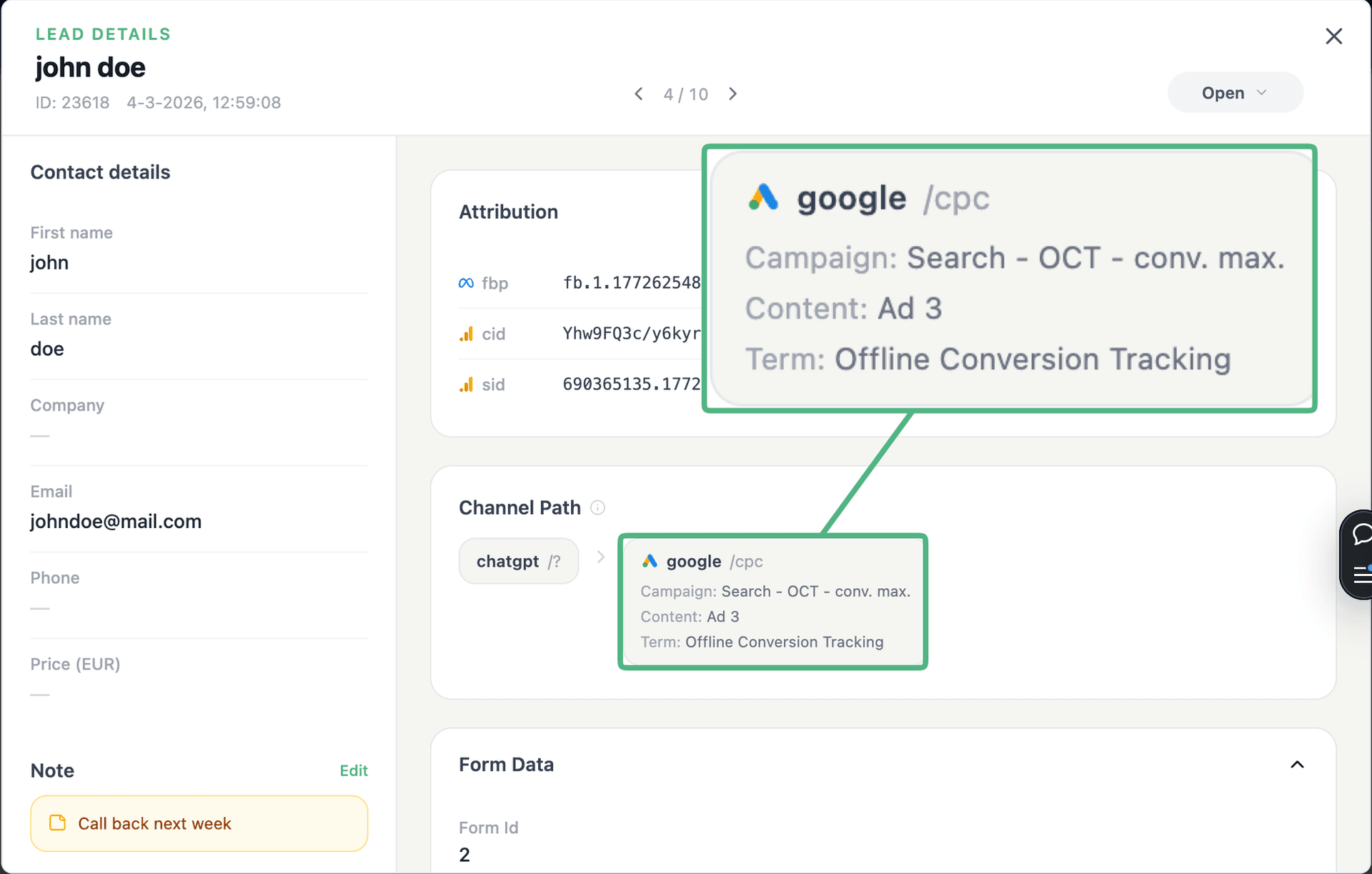
See the full customer journey of every form lead
The moment a form is submitted, LeadTrackr captures the lead with full attribution — the campaign, ad, keyword and landing page behind it. Qualify it with one click and follow the whole path, from the first ad click to the closed deal.
- Every lead tied to its campaign, ad & keyword
- One-click qualification, synced back to your ad platforms
- The full path from form fill to closed deal
Plug & play
Send leads from any source
Post leads from any system, form or backend — full flexibility, full attribution.






How it works
Send leads in 3 steps
Get your API key
POST your leads
Qualify & push
Get started free
Start tracking real conversions with API
Connect it in minutes — no developer needed.
5-min setup · cancel anytime
Integrations
Related integrations


FAQ
Frequently asked questions
Get started free
Connect API with LeadTrackr
Set up API in minutes — no developer needed.
5-min setup · cancel anytime